Background Removal Tools for Print-on-Demand: What Sellers Should Check
How POD sellers should evaluate background removal tools, transparent PNG quality, edge cleanup, print readiness, and batch workflows.
Who this is for
POD sellers who prepare transparent designs, mockups, and customer-uploaded artwork.
Search intent
Someone wants a background remover for POD and needs practical quality checks.
Why this matters now
- AI background removal is faster, but print files still need clean edges and predictable transparency.
- Small artifacts that look fine on screen can show up badly on physical products.
- Batch workflows are useful only if they include verification.
What makes a good POD cutout
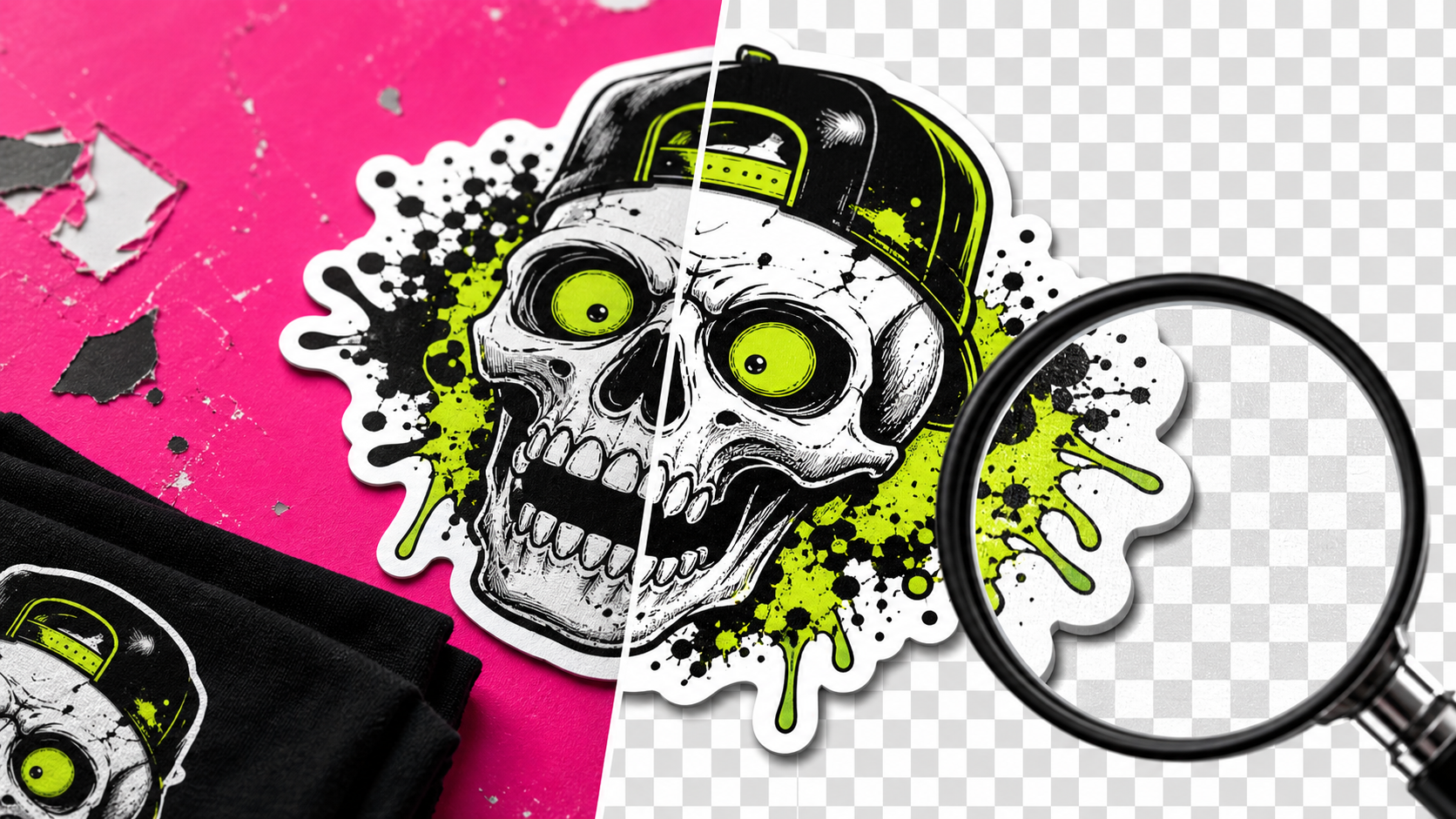
A good transparent PNG has clean edges, no leftover background haze, no missing details, and enough resolution for the product size.
For apparel, mugs, stickers, and posters, edge quality matters. A faint outline around the artwork can make the finished product look cheap.
How to test a background remover
Preview the result on dark, light, and mid-tone backgrounds. Many residue problems only appear when the image is placed on a different color.
Zoom into hair, typography, thin lines, and shadows. Those are the places background tools most often fail.
Check export size and file type. A tool that creates a clean preview but exports a low-resolution file may not be suitable for print.
Batch cleanup needs review
Batch background removal can save huge time, but it should not skip verification. Use a review pass for residue, holes, halos, and wrong crops.
The best workflow marks images as pending, cleaned, verified, and ready for listing so nothing gets uploaded by accident.
Practical checklist
- Test every cutout on multiple background colors.
- Inspect edges at full size.
- Verify export resolution.
- Track cleaned versus approved files.
- Keep source images for rework.
Where iScaleXchange fits
iScaleXchange is a directory for builders, seller tools, automation projects, and product experiments. Use it to discover tools, follow coming-soon projects, leave comments, and watch how real builder workflows turn into products.
Related iScaleLabs tools and projects to watch: AutoMerch, iScale Merch.
Next step
Explore current and coming-soon tools on iScaleXchange, or submit a tool if you are building something useful for sellers, creators, AI builders, or ecommerce operators.